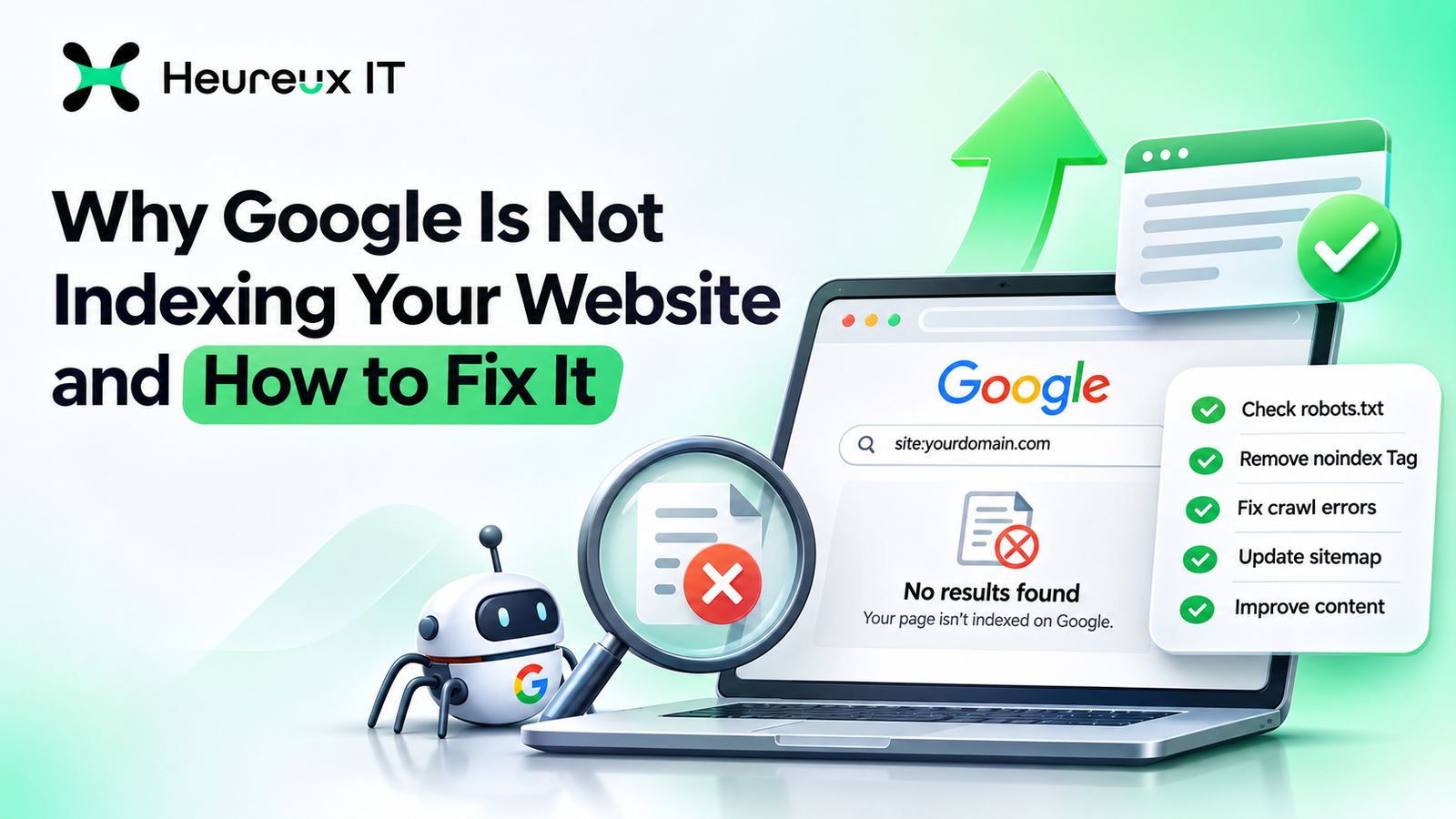
You've published your website, written useful content, optimized your pages, and submitted your sitemap to Google.
But when you check Google Search Console, some important pages still show "Not Indexed."
You try requesting indexing again.
Days pass, and nothing changes.
If you're dealing with Google Not Indexing Website pages, the first thing to understand is that Google doesn't automatically index every URL it discovers.
A page may be blocked from crawling, contain a noindex directive, return a server error, or point to another canonical URL.
Sometimes, Google can access a page but still chooses not to include it in its index.
That's why repeatedly submitting the same URL rarely solves the underlying problem.
The better approach is to identify the exact indexing status, understand what it means, and apply the appropriate fix.
In this guide, we'll explain how Google indexing works, explore 12 common reasons websites aren't indexed, and show you how to troubleshoot problems using Google Search Console.
What Does Google Not Indexing Your Website Mean?
Google indexing is the process of analyzing webpage content and storing information about it in Google's search index.
A page usually goes through three main stages.
1. Discovery
Google finds the URL through links or sitemaps.
2. Crawling
Googlebot requests and processes the page.
3. Indexing
Google may add the page to its search index.
Discovering or crawling a webpage doesn't guarantee indexing.
Google may decide that a different URL is the preferred version, or it may choose not to index the content.
Also, indexing and ranking aren't the same thing.
An indexed page is eligible to appear in search results, but it isn't guaranteed to rank for a particular keyword.
How to Check Whether Your Website Is Indexed by Google
Before making changes, confirm which pages are affected.
Step 1: Open Google Search Console
Select the property associated with your website.
Navigate to Indexing → Pages.
The Page Indexing report shows indexed pages and URLs Google knows about but hasn't indexed.
Step 2: Review the Reasons
Open the "Why pages aren't indexed" section.
You may see statuses such as "Discovered - currently not indexed," "Crawled - currently not indexed," or "Excluded by 'noindex' tag."
Each requires a different response.
Step 3: Inspect an Important URL
Paste the exact page URL into the URL Inspection tool.
Check its indexing status, last crawl date, canonical information, and any reported access problems.
Use "Test Live URL" to investigate its current accessibility.
A successful live test doesn't mean Google has indexed the page. It only confirms certain conditions during the test.
Step 4: Check Your Target Pages
Prioritize your homepage, service pages, important product pages, and articles that support business goals.
Not every URL needs indexing. Duplicate URLs, login pages, and unnecessary filtered pages may be excluded intentionally.
12 Reasons Google Is Not Indexing Your Website
The following issues explain many common indexing problems.
1. Your Website Is New
New websites may take time to be discovered and crawled.
If your domain has recently launched and few other websites link to it, Google may not have discovered all its pages.
How to fix it:
Set up Google Search Console, submit a valid sitemap, and add useful internal links between important pages.
Ensure your homepage is publicly accessible.
For a newly published page, use URL Inspection to request indexing when appropriate.
Then monitor its status rather than submitting the same request repeatedly.
2. Your Website Is Blocked by Robots.txt
The robots.txt file tells crawlers which parts of a website they may access.
An incorrect rule can prevent Googlebot from crawling important pages.
For example:
User-agent: *
Disallow: /
This rule blocks compliant crawlers from accessing the site's paths.
How to fix it:
Review your website's robots.txt file and remove unintended restrictions.
Retain rules that deliberately protect unnecessary crawl paths.
Remember that robots.txt controls crawling, not indexing directly. A blocked URL may still appear in search results without its page content if Google discovers it elsewhere.
For pages that should be excluded from indexing, use the appropriate indexing controls rather than relying on robots.txt alone.
3. Important Pages Have a Noindex Tag
A noindex directive tells Google not to include a page in its search index.
For example:
<meta name="robots" content="noindex">
This can be useful for certain pages, but it's a problem when applied to important public content.
How to fix it:
Inspect the page's HTML and HTTP response headers.
Check for noindex directives and remove them from pages you want indexed.
If you're using WordPress, review the Search Engine Visibility setting and the page-specific settings in your SEO plugin.
For HubSpot websites, check the indexing settings of the affected pages and templates.
Once corrected, test the live URL and request indexing.
4. Google Has Discovered but Not Crawled Your Page
The status "Discovered - currently not indexed" means Google knows the URL exists but hasn't crawled it yet.
Google explains that it may postpone crawling to avoid placing excessive load on a website.
This status doesn't necessarily indicate a content problem.
How to fix it:
Check whether your server responds reliably.
Investigate recurring server errors or unusually slow responses.
Make sure important pages are linked from relevant areas of your website.
Review whether your sitemap lists current, preferred URLs.
If your site generates large numbers of unnecessary URLs, reduce that crawl waste.
There is no guaranteed way to force Google to crawl a discovered URL immediately.
5. Google Crawled Your Page but Didn't Index It
The status "Crawled - currently not indexed" means Google has already retrieved the page but hasn't added it to its index.
The page may or may not be indexed later.
Google does not provide one universal explanation for every URL with this status.
Search Console Help
How to fix it:
First, check whether the page duplicates or closely resembles other content on your website.
Review its purpose, originality, and usefulness.
Confirm that important information appears in the rendered page.
Check the canonical URL and internal links.
If the content lacks a clear purpose or repeats another page, improve or consolidate it when appropriate.
Avoid repeatedly requesting indexing without making meaningful changes.
6. Your Canonical Tags Point to Another URL
Canonical tags help Google identify the preferred version of duplicate or similar pages.
For example:
<link rel="canonical" href="https://example.com/service/">
If an important page incorrectly points to another URL, Google may choose a different page for indexing.
How to fix it:
Inspect the user-declared and Google-selected canonical URLs in Search Console.
Ensure that canonical tags point to the intended preferred page.
Use consistent internal links and sitemap URLs.
For duplicate or alternate pages, Google's decision not to index every version may be correct.
Your goal should be to get the appropriate canonical page indexed, not every possible URL variation.
7. Your XML Sitemap Is Missing or Incorrect
An XML sitemap helps Google discover important website URLs.
However, sitemap submission does not guarantee crawling or indexing.
How to fix it:
Check that your sitemap is accessible and contains the preferred versions of important pages.
Remove obsolete URLs, unnecessary redirects, and pages intentionally marked noindex.
Submit the sitemap through Google Search Console.
For a large website, organized sitemap files can make troubleshooting easier.
Keep in mind that updating a sitemap helps communicate your URL inventory. It does not override Google's indexing decisions.
8. Your Website Contains Duplicate or Low-Value Pages
A website may generate multiple URLs containing substantially similar content.
Examples include duplicate service pages, repeated product descriptions, and unnecessary URL parameters.
Google often selects one canonical version rather than indexing every duplicate.
How to fix it:
Identify pages serving the same purpose.
Consolidate unnecessary duplicates, improve pages that should remain separate, and use appropriate canonical signals.
Add useful information where a page genuinely needs it.
Avoid creating large numbers of pages that differ only by a city name or minor keyword variation.
A page doesn't require a fixed number of words to be indexed. Its usefulness and purpose matter more than length alone.
Want help turning this into results for your business?
Explore our SEO services →9. Your Website Has Server Errors or Redirect Problems
Googlebot needs reliable access to important webpages.
Server errors, access restrictions, and broken redirects can interfere with crawling.
Common problems include:
- 500 and 503 server errors
- 403 forbidden responses
- Unexpected login requirements
- Redirect loops
- Broken redirect chains
- Soft 404 pages
How to fix it:
Check server logs and hosting status.
Ensure important public pages return a valid 200 response.
Use redirects when a page has moved permanently.
Fix loops and unnecessary chains.
If a page is permanently gone and has no suitable replacement, a proper 404 or 410 response is appropriate.
Don't redirect every missing URL to your homepage.
10. Your Website Has Poor Internal Linking
Google discovers many pages by following links.
A page with no useful internal links may be harder to find.
This problem often affects blog posts, newly published service pages, and products buried deep within a website.
How to fix it:
Ensure important pages are accessible through navigation or relevant internal links.
Add links where they genuinely help readers explore related topics.
Use descriptive anchor text.
For example, a guide on website indexing could link to related information about technical crawling, keyword research, or website structure.
Effective On-Page SEO helps improve page organization and internal linking.
11. Google Cannot Render Important JavaScript Content
Some websites rely heavily on JavaScript to display their main content.
Google can render JavaScript, but problems may occur when content depends on blocked files, failed API requests, or user interactions that crawlers cannot perform.
How to fix it:
Use URL Inspection to examine the rendered page.
Confirm that important text and links are available to Google.
Investigate JavaScript errors and blocked resources.
For complex websites, server-side rendering or static rendering can help make important content accessible when suitable.
Don't assume every JavaScript website needs a separate rendering service.
The problem should be confirmed before changing its architecture.
12. Your Website Has Security or Manual Action Issues
Security incidents or serious spam policy violations can affect a website's presence in Google Search.
For example, a compromised website might display malicious redirects or unauthorized pages.
How to fix it:
Open the Security Issues and Manual Actions reports in Google Search Console.
Investigate any confirmed issues.
Remove compromised content, correct vulnerabilities, and follow Google's instructions for any required review or reconsideration.
Don't assume a manual action exists simply because a page isn't indexed.
Most indexing problems should first be diagnosed through the actual status reported in Search Console.
Google Search Console Indexing Errors and Their Solutions
The fastest way to diagnose a problem is to match Google's reported status with the next appropriate action.
| Google Search Console Status | What It Means | Recommended Action |
|---|---|---|
| Discovered - currently not indexed | Google found the URL but hasn't crawled it | Check crawl access, server stability, and internal links |
| Crawled - currently not indexed | Google crawled the page but hasn't indexed it | Review content usefulness, duplication, and canonical signals |
| Excluded by 'noindex' tag | A directive prevents indexing | Remove unintended noindex instructions |
| Blocked by robots.txt | Crawling is restricted | Correct unintended robots.txt rules |
| Duplicate without user-selected canonical | Google selected another canonical page | Confirm that Google chose the correct preferred URL |
| Alternate page with proper canonical tag | An alternate points to an indexed canonical | No action if intentional |
| Page with redirect | The URL redirects elsewhere | Check the destination and redirect behavior |
| Server error (5xx) | Google encountered a server failure | Repair the server or application error |
| Soft 404 | Google sees a page that appears missing or lacks meaningful content | Return the correct status or improve the page |
| Not found (404) | The URL does not exist | Restore it if needed, redirect if moved, or leave the valid 404 |
Not every "Not Indexed" status represents a problem. Google recommends focusing on the canonical versions of important pages rather than trying to achieve 100% indexing of every known URL.
Search Console Help
What to Do When Google Still Doesn't Index Your Website
If you've already submitted your sitemap and requested indexing, avoid repeating those actions without investigating further.
1. Select Three Important URLs
Choose a homepage, service page, or blog article that should appear in search.
Record each URL's exact indexing status.
2. Check Indexing Eligibility
Confirm that each page is publicly accessible, returns the appropriate HTTP status, is not blocked from crawling, and does not contain an unintended noindex directive.
3. Review Canonical Signals
Check whether Google has identified another page as canonical.
If the selected canonical is correct, you may not need to change anything.
4. Review Content and Internal Links
Ensure the page has a useful purpose and can be reached from other relevant website pages.
Improve thin or repetitive material where necessary.
5. Fix Confirmed Technical Problems
Prioritize access errors, incorrect directives, broken redirects, and rendering problems.
A professional Technical SEO Audit can help identify issues across larger websites.
6. Request Indexing When Appropriate
After fixing an important URL, use Google Search Console to request indexing.
Don't send repeated requests for unchanged pages.
Google states that repeated requests do not make crawling faster and that indexing is never guaranteed.
Google for Developers
How Long Does Google Take to Index a Website?
There is no fixed indexing timeframe.
Google may discover and index some pages within days, while others take weeks or longer.
Some pages may never be indexed.
Factors that can affect the process include discovery, crawl availability, content usefulness, and Google's indexing decisions.
New websites may require additional time to become established in Google's crawl process.
Instead of focusing only on the number of days, monitor whether the page is accessible and whether its indexing status changes.
If a page remains excluded, investigate the specific status rather than assuming that waiting will solve it.
How to Prevent Google Indexing Issues
Website owners can reduce avoidable indexing problems by following a consistent maintenance process.
Monthly Indexing Checklist
| Task | What to Review |
|---|---|
| Page Indexing Report | Unexpected changes affecting important pages |
| URL Inspection | Indexing status of key URLs |
| XML Sitemap | Current canonical and indexable URLs |
| Robots.txt | Unintended crawling restrictions |
| Noindex Tags | Important pages excluded by mistake |
| Canonical Tags | Incorrect preferred URL signals |
| Internal Links | Orphaned pages and broken links |
| Server Health | Recurring errors and unstable responses |
| Content Quality | Duplicate or unnecessary pages |
| Website Security | Confirmed warnings and vulnerabilities |
For websites that publish frequently, perform relevant checks after major updates or migrations.
A website redesign, domain migration, new SEO plugin, or change in hosting can introduce unexpected indexing problems.
When Should You Hire a Technical SEO Specialist?
Some indexing problems are easy to fix.
Removing an accidental noindex directive or correcting a sitemap URL may take only a few minutes.
Other problems require a deeper investigation.
For example, an Ecommerce website with thousands of product URLs may have complicated canonical rules, parameter-generated pages, and crawl inefficiencies.
A JavaScript-heavy website may have rendering problems that are not visible to ordinary users.
Professional support may be useful when an indexing problem affects important business pages, returns after repeated fixes, or involves complex website architecture.
An SEO specialist should identify the exact cause and explain the proposed fix rather than simply promising faster indexing.
How Heureux IT Helps Fix Google Indexing Problems
At Heureux IT, we understand that search visibility starts with ensuring important website pages can be discovered, crawled, and evaluated by search engines.
Our technical SEO approach considers page indexing reports, robots.txt rules, canonical signals, website structure, server accessibility, and content quality.
For a new website, the priority may be ensuring its important pages are accessible and properly linked.
For an established business, the focus may involve investigating pages that have unexpectedly disappeared from the index.
For large websites, technical work may include reviewing crawl patterns, duplicate URLs, and indexing signals.
The goal is to identify the underlying problem and apply appropriate fixes without making unnecessary website changes.
Final Thoughts
If you're dealing with Google Not Indexing Website pages, the solution starts with understanding why Google has excluded them.
Submitting a sitemap and requesting indexing can help Google discover and revisit content, but neither guarantees that a page will enter the index.
Start with Google Search Console.
Check the exact indexing status, inspect important URLs, and confirm whether technical settings are preventing Google from accessing the content.
Then review canonical tags, internal links, website reliability, and page usefulness.
At Heureux IT, we help businesses diagnose technical SEO problems and improve the accessibility of important website content.
Explore our Technical SEO Services or Contact Heureux IT to discuss your website indexing concerns.
Frequently Asked Questions
Why Is Google Not Indexing My Website? +
Common reasons include new pages, robots.txt restrictions, noindex directives, duplicate URLs, server errors, canonical issues, and Google's decision not to index particular content.
How Can I Fix Google Indexing Issues? +
Use Google Search Console to identify the exact issue. Then correct technical restrictions, review canonical signals, improve content where appropriate, and request indexing after meaningful fixes.
What Does Crawled - Currently Not Indexed Mean? +
Google has crawled the webpage but hasn't added it to its index. It may or may not index the page later.
What Does Discovered - Currently Not Indexed Mean? +
Google knows the URL exists but hasn't crawled it yet. Crawling may have been postponed for scheduling or server-load reasons.
Does Submitting a Sitemap Guarantee Indexing? +
No. A sitemap helps Google discover URLs but doesn't guarantee that those pages will be crawled or indexed.
Why Is My Page Not Indexed Even After Requesting Indexing? +
Google may still be processing the request, or it may decide not to index the page. Review access, canonicalization, duplication, and content usefulness.
Can a Noindex Tag Stop Google From Indexing a Website? +
Yes. A noindex directive tells Google not to include the page in its search index when Google can crawl and detect it.
Can Duplicate Content Cause Indexing Problems? +
Google often selects one canonical version of similar pages. This is normal, but incorrect canonical signals can prevent your preferred URL from appearing.
How Long Does Google Take to Index a New Website? +
It can take days or weeks, sometimes longer. Google does not guarantee that every new page will be indexed.
Can a Technical SEO Audit Help With Indexing? +
Yes. An audit can identify crawling restrictions, server problems, incorrect directives, canonical issues, rendering problems, and internal linking gaps.
Heureux IT is a digital marketing agency specialising in Google Ads, Meta Ads and SEO. We help growing businesses turn paid and organic search into measurable revenue.